In today’s fast-paced digital world, snapping the perfect ID photo from the comfort of your home isn’t just a luxury—it’s a necessity. Whether you’re applying for a passport, renewing a driver’s license, or setting up a student ID, getting the right frame and alignment is crucial. Let’s explore the best online tools for framing and aligning ID photos and how to make them work like a charm.
What Are ID Photo Tools
Think of ID photo tools as your own personal passport photo booth—but without having to leave the house. These tools are websites or mobile apps that help you create properly framed and aligned ID photos that meet government or institutional requirements. Whether you’re applying for a passport, a visa, a driver’s license, or even a school ID, these platforms are designed to handle the technical stuff like cropping, resizing, and adjusting the background. Some tools even use AI to detect your face automatically and position it correctly based on the rules of your selected document type.
Why Framing and Alignment Matter in ID Photos
If you’ve ever had an application delayed because your ID photo got rejected, you know the struggle. In the U.S., government agencies like the Department of State are strict about photo specs. If your head is tilted, your eyes are too low, or your photo has shadows or poor lighting, it will likely be rejected. That’s why framing and alignment aren’t just technicalities—they’re essential. Your face must be centered, your eyes must fall within a certain range, and the overall look must be clean and neutral. Even the slightest misalignment can delay your application by weeks.
What’s more, properly framed and aligned photos are essential for biometric recognition. Airports, immigration offices, and other official agencies increasingly rely on facial recognition software. A misaligned photo could affect how these systems recognize you, leading to verification issues down the line. Good ID photo tools automatically align your face, adjust head size, and ensure you meet the necessary margins. This reduces the risk of human error and gives you peace of mind knowing your photo won’t be the reason your application gets stuck.
Common Requirements for ID Photos
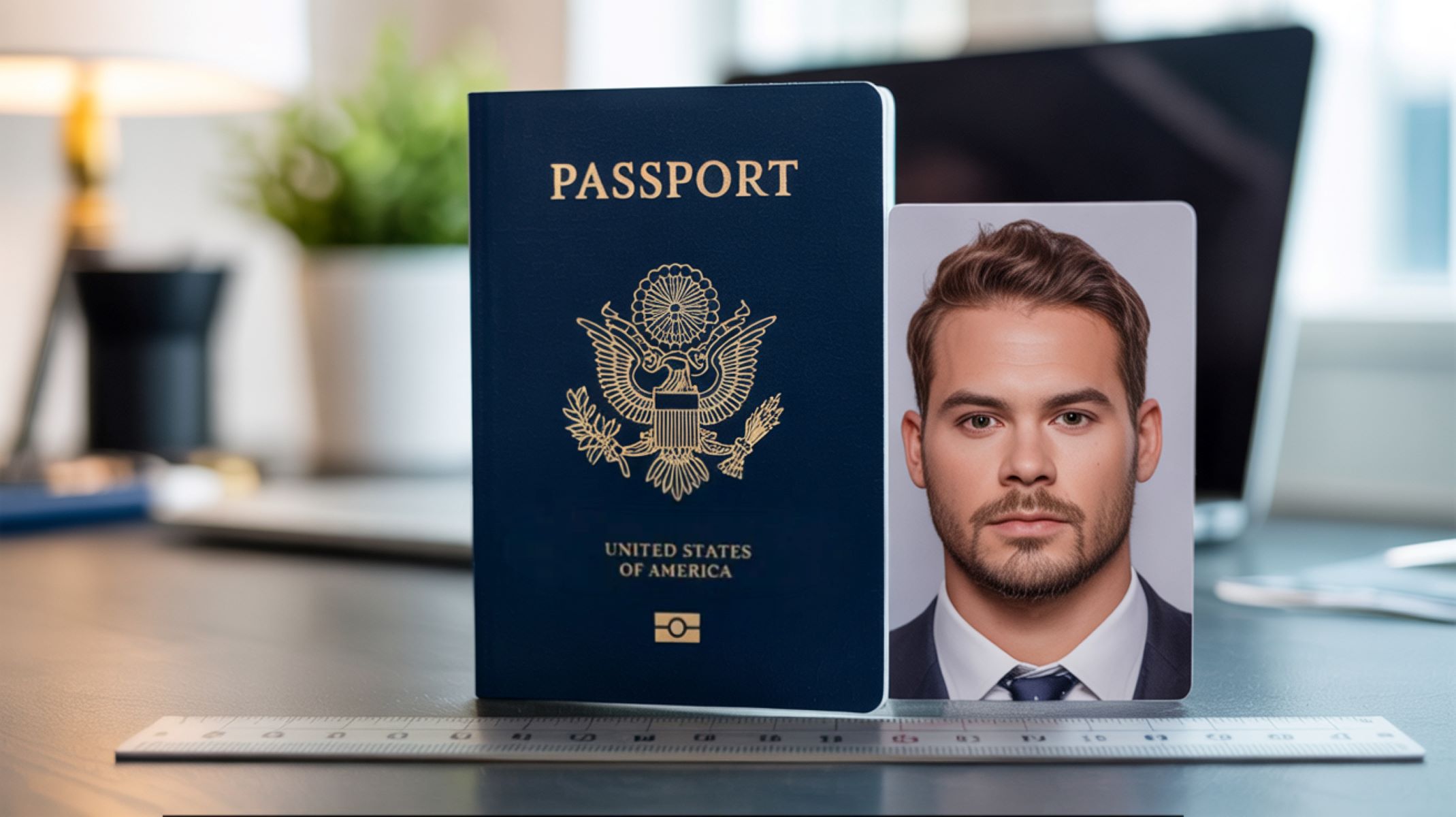
When it comes to official documents in the U.S., ID photo requirements are non-negotiable. Each type of document—whether it’s a passport, visa, or driver’s license—has specific standards that must be met. These guidelines are designed to ensure uniformity and to help biometric systems process your photo correctly. The more your photo deviates from these guidelines, the more likely it is to be rejected. That’s why it’s important to know the basics before you even pick up your camera.
Let’s break it down with a list of the most common standard sizes used in ID photos across the United States and other countries:
- 2 x 2 inches – This is the S. passport standard size, also used for many visa types.
- 35 x 45 mm – Commonly used for European visas and international IDs.
- 50 x 50 mm – Frequently required for Canadian and Indian visas.
- 5 x 1.5 inches – Sometimes used for older U.S. IDs or student cards.
If you’re taking a photo for a U.S. document, make sure you’re sticking to the 2×2 inch size unless otherwise specified.
Alignment and Framing Guidelines (Eyes, Head, Background)
Beyond just size, the alignment and framing of your ID photo must follow exact rules. Your head should be centered in the frame and facing forward, with a neutral expression—no smiling, frowning, or raised eyebrows. Your eyes should fall between 1.29 inches and 1.69 inches from the bottom of the photo. These guidelines help ensure consistency and accuracy for facial recognition technologies. The image must also be taken within the last six months, so your appearance reflects how you look now.
In terms of the background, the U.S. requires a plain white or off-white background. That means no textures, shadows, or colors. Some online tools allow you to remove or replace your background automatically, which is a big help if you’re taking your photo at home. Other tips include ensuring your face is well-lit, avoiding glasses (especially with glare), and removing anything that might obstruct your face like hats or head coverings—unless they’re worn daily for religious reasons. Here’s a checklist to follow:
- Centered face and eyes aligned properly.
- Neutral expression with closed mouth.
- Plain white or light-colored background.
- No shadows, filters, or red-eye.
- No accessories unless medically/religiously necessary.
Benefits of Using Online ID Photo Tools
Time and Cost Efficiency
Let’s face it—no one wants to drive to a drugstore, wait in line, and pay $15 for a passport photo. One of the biggest advantages of online ID photo tools is how much time and money you save. You can take a photo in your pajamas at home, upload it, and get it aligned in minutes. Many tools are free or cost just a few dollars, especially compared to traditional studios or shipping fees. Plus, if you make a mistake, you don’t have to pay for a retake.
On top of that, these platforms give you the freedom to edit and retry as much as you want. Whether you’re applying for a U.S. passport, student ID, or a visa to another country, you can handle the entire process at your own pace. That’s incredibly helpful when you’re on a deadline or simply don’t want to leave the house. The flexibility, affordability, and speed of online photo tools make them a smart alternative for modern users.
Accuracy and Compliance
One of the main reasons people turn to these tools is accuracy. Online ID photo tools are designed to comply with international and U.S. government standards. They use AI-powered features that automatically adjust head size, crop your face to the correct dimensions, and even fix lighting and shadows. This ensures your photo meets exact specifications, like having your eyes between 1.29 and 1.69 inches from the bottom.
Compliance matters more than ever today because official agencies use automated systems and biometric software to scan and verify your image. A blurry, off-center, or improperly cropped photo can be rejected instantly. Online tools reduce the chances of such errors. Some even preview how your photo will appear in government databases. With just a few clicks, you can avoid costly delays, especially when applying for something as important as a passport or visa.
User-Friendly Interfaces
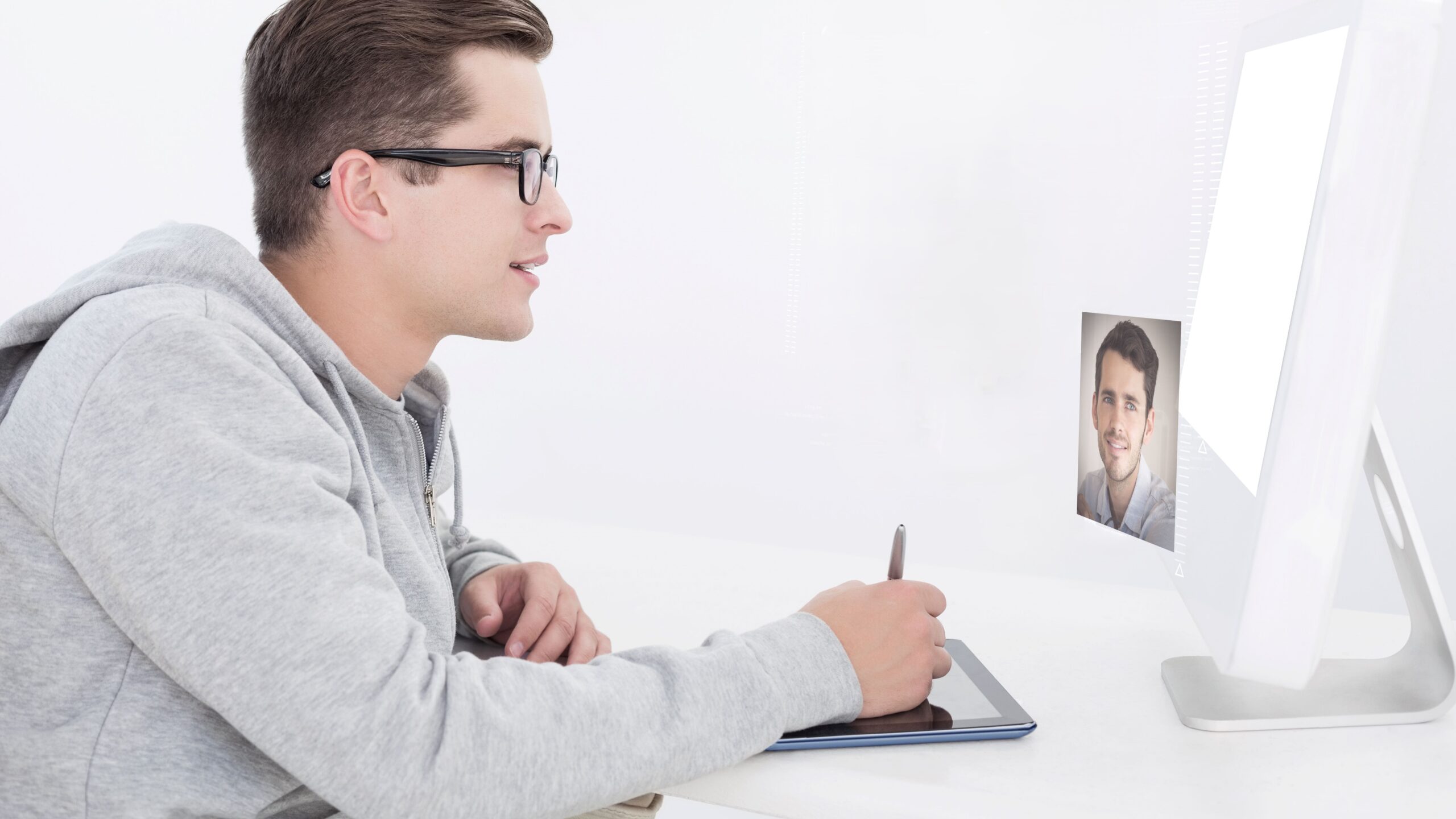
Don’t worry if you’re not tech-savvy—most of these platforms are built for everyday users. From drag-and-drop uploads to automatic resizing, the interfaces are incredibly intuitive. You simply upload a photo, select the document type (like “U.S. passport”), and let the tool do the work. You can preview, zoom in, move the crop box, and download your perfect ID photo without needing any special skills.
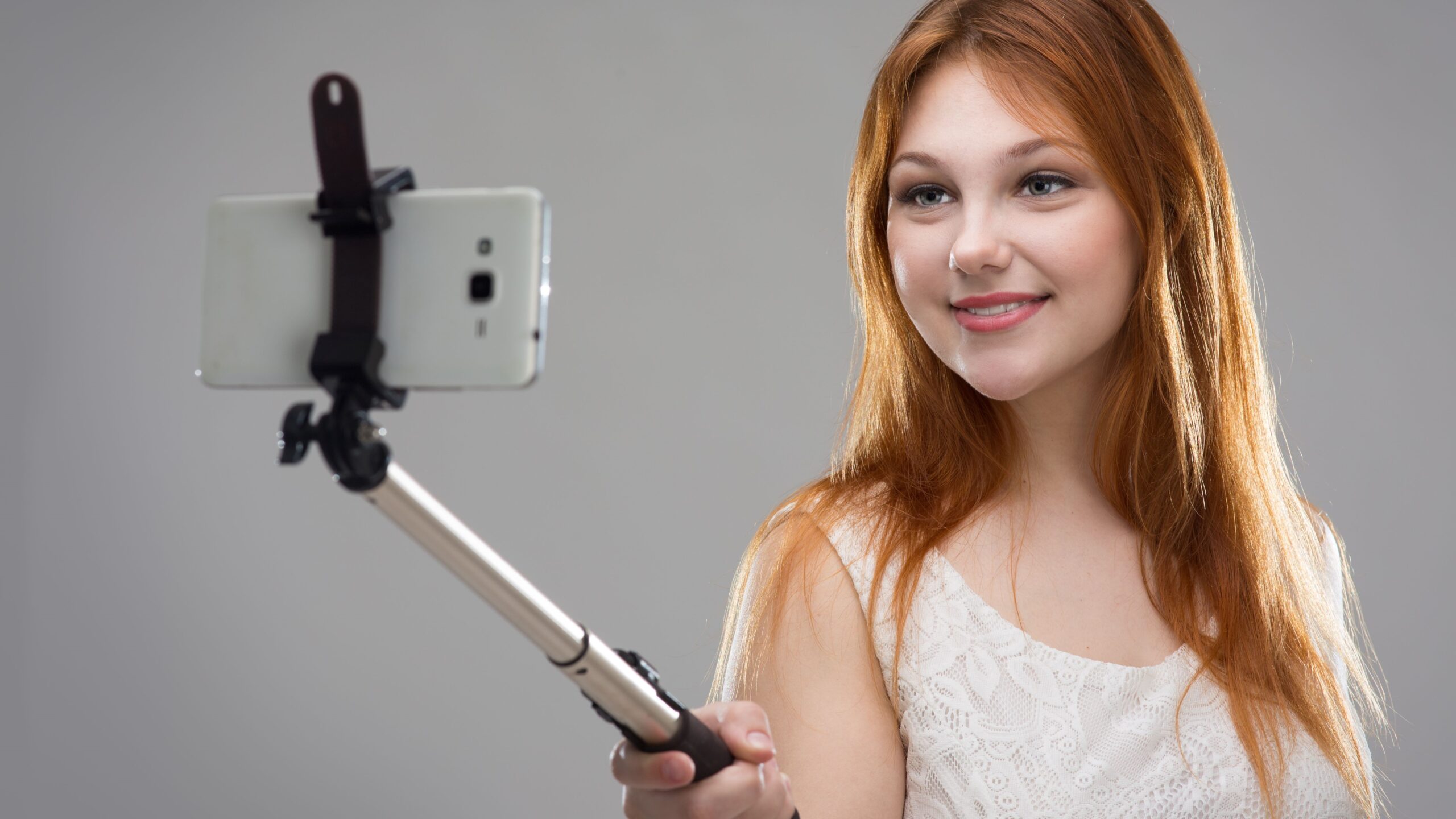
The ease of use means anyone—whether you’re a student, a traveler, or a busy parent—can get official photos ready in minutes. Some tools even have mobile apps, so you can take a selfie and finish the process from your phone. This user-friendliness also minimizes mistakes and makes the experience less frustrating. No fancy editing knowledge is required—just a good selfie and a few clicks.
| Benefit | Description | Why It Matters |
| Time & Cost Efficient | Save money and time with at-home editing tools | No travel, no waiting, no studio fees |
| High Accuracy | Auto-alignment, cropping, and background removal | Ensures compliance with government rules |
| Easy to Use | Simple upload-adjust-download process | Great for non-tech users |
| Repeat-Friendly | Edit and re-upload as many times as you like | Avoid paying extra for retakes |
| International Formats | Supports U.S. and other countries’ photo standards | Ideal for travel or visa applications |
Top Online Tools for Framing and Aligning ID Photos
Passport Photo Online
Passport Photo Online is one of the most popular tools in the U.S. and globally for a good reason—it’s powered by AI-based auto-alignment, supports U.S. and international standards, and offers background removal. The tool is especially handy for passport and visa photos, and it’s compatible with both desktop and mobile platforms. After uploading your image, it automatically resizes, adjusts lighting, and removes the background to ensure your photo meets official requirements.
The interface is clean and beginner-friendly, making it a favorite for first-time users. One downside is that while the tool is free to use for editing, you’ll need to pay a small fee to download the final version in high quality. However, this price is often much less than what you’d pay at a local photo shop. For convenience, accuracy, and speed, Passport Photo Online is a top-tier option.
IDPhoto4You
IDPhoto4You is a more traditional but still effective option for ID photo editing. It supports both manual and automatic adjustments, which gives users more control if they prefer to tweak the image themselves. You can select from a variety of preset sizes, including U.S. passport and visa formats. There’s also a helpful step-by-step guide throughout the process, which is ideal for beginners.
The biggest perk is that it’s free for basic use, meaning you can create and download a compliant photo without paying anything. However, the interface feels a bit outdated compared to newer tools. That said, it still gets the job done and is trusted by thousands of users. If you’re comfortable with a slightly retro design and want something reliable and cost-effective, IDPhoto4You is worth trying.
Visafoto
Visafoto is a powerful tool known for its instant processing and support for over 200 country-specific formats, including the U.S. It automatically aligns, resizes, and formats your photo for passports, visas, and other official documents. One of its best features is that it accepts selfies, which makes the process even more accessible for mobile users.
In terms of accuracy, Visafoto is highly reliable. The final product often matches the quality of photos taken in professional studios. However, it does require payment for downloading the final image, which might be a drawback for budget-conscious users. Still, the precision and speed make it a solid choice for serious applications like visas or immigration forms.
PersoFoto
PersoFoto is a German-based tool that supports a variety of photo formats, including those required in the U.S. What makes this tool stand out is its manual editing system, which includes a visible alignment grid. That means you can fine-tune the framing and alignment to perfection. It’s especially useful for people who are familiar with photo editing or want more control over the final image.
The downside is that it’s not as beginner-friendly as some other platforms. While the customization options are excellent, newer users might find the interface a bit technical. However, if you’re comfortable with drag-and-drop editing and like having the freedom to adjust every detail, PersoFoto offers a high level of flexibility that others don’t.
MakePassportPhoto.com
MakePassportPhoto.com is a simple, no-frills tool that focuses on easy alignment and downloadable templates. It’s a great option if you’re looking for a completely free experience, as you can generate and download your ID photo without signing up or paying a fee. The tool guides you through the alignment process using visual markers to ensure your head and eyes are in the right position.
The main trade-off is that it offers basic editing only—no automatic background removal or AI adjustments. But for users who want a quick, no-cost solution that meets U.S. photo standards, it gets the job done. It’s especially useful for printing passport photos at home or preparing for in-person applications where a printed copy is needed.